Everyday tasks
Create an item
The same steps work for every collection. The collection pages list the fields for each one.

- Open the collection from the list on the left.
- Check it doesn't exist already: search for it.
- Click New item.
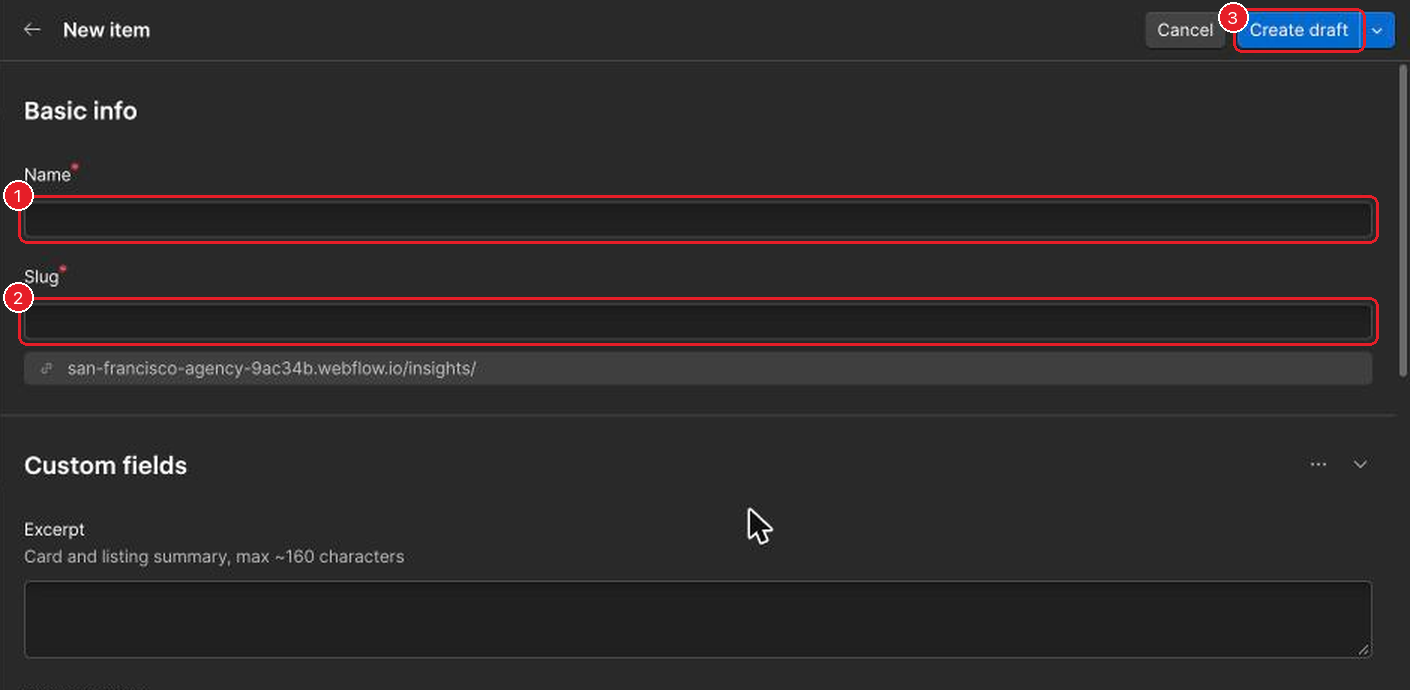
- Type the Name.
- Check the Slug. It's filled in from the name and becomes the web address. Make it short and lowercase, with hyphens.
- Fill in the rest of the fields, then click Create draft. Nothing is public yet. To go live, see Publish.
Get the slug right now Changing a slug after the item is live breaks every link to it.
Fields marked with a red * are required.
Questions about the website go to Katja.