Getting in
Open the site
- Go to webflow.com and log in with the shared login.
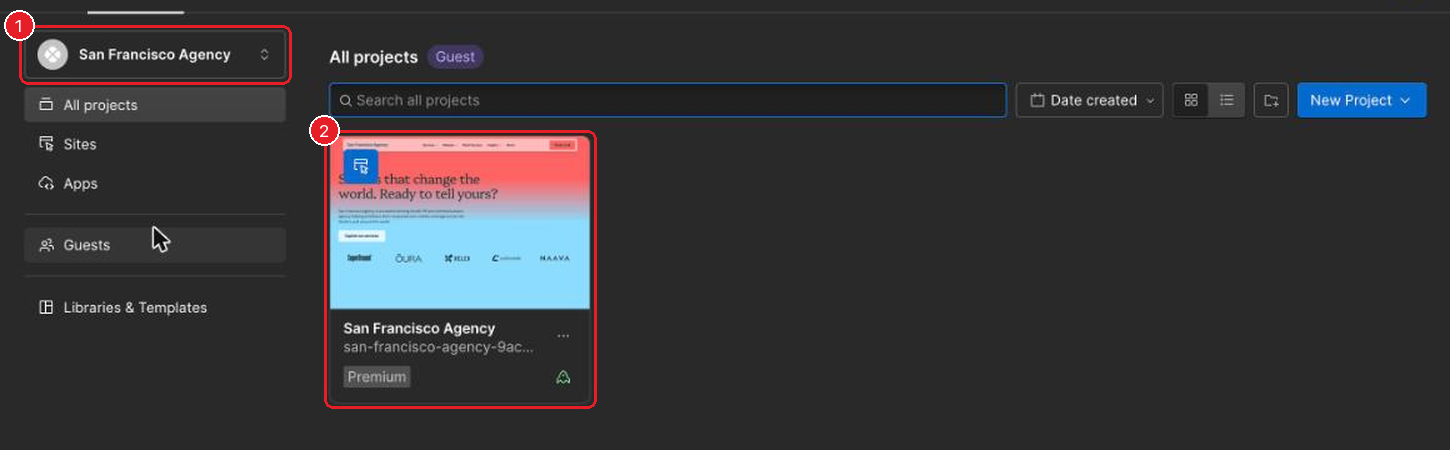
- San Francisco has two workspaces with the same name. Pick the one that shows the site.
- Open the San Francisco Agency site.
- Go to the CMS tab. You're in the right place when you see the list of collections.
If you land on the page design
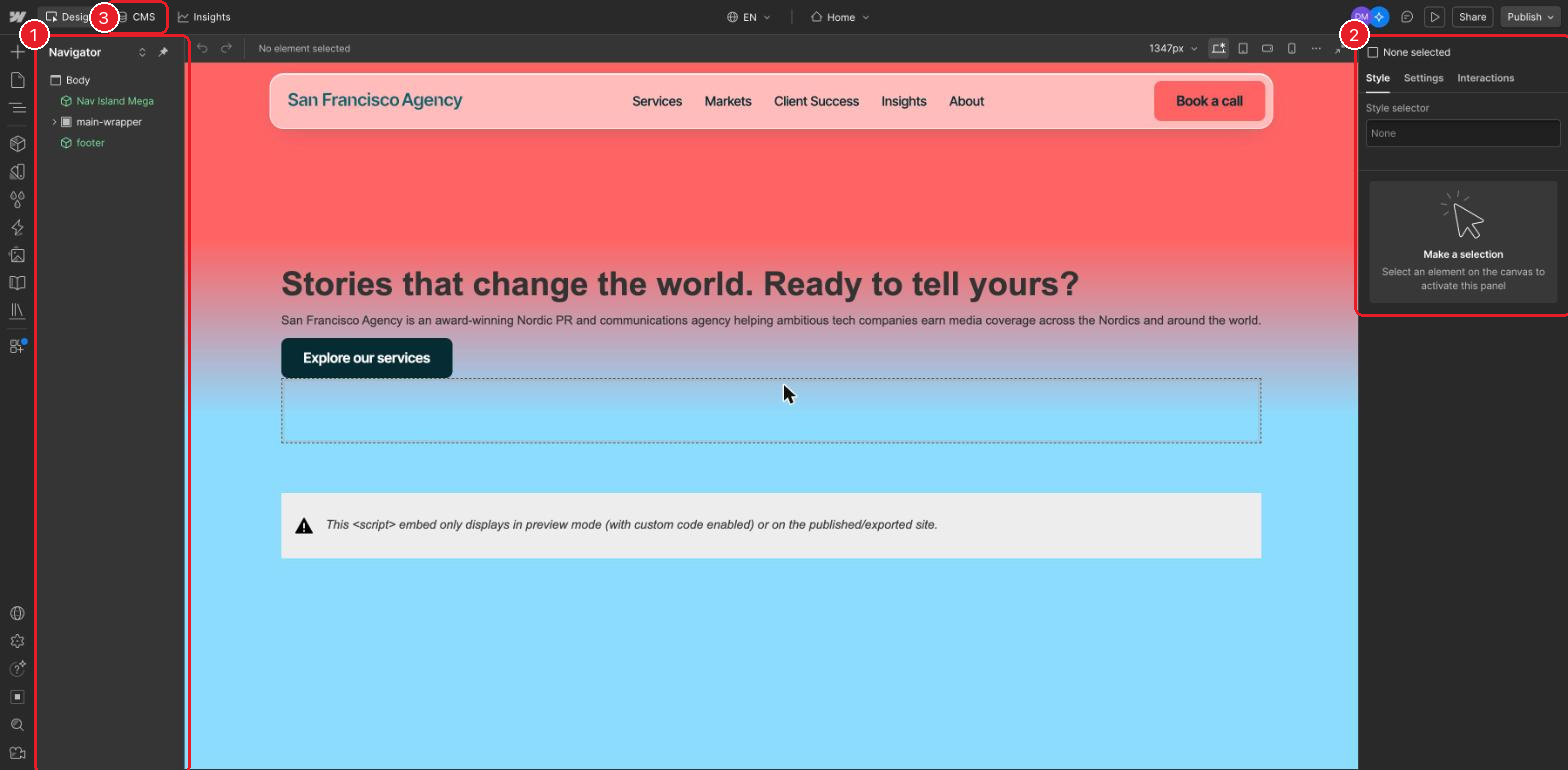
Webflow sometimes opens the Designer, which shows the page with panels on both sides. Nothing has happened; just click the CMS tab (3).
Questions about the website go to Katja.