Everyday tasks
Edit an item
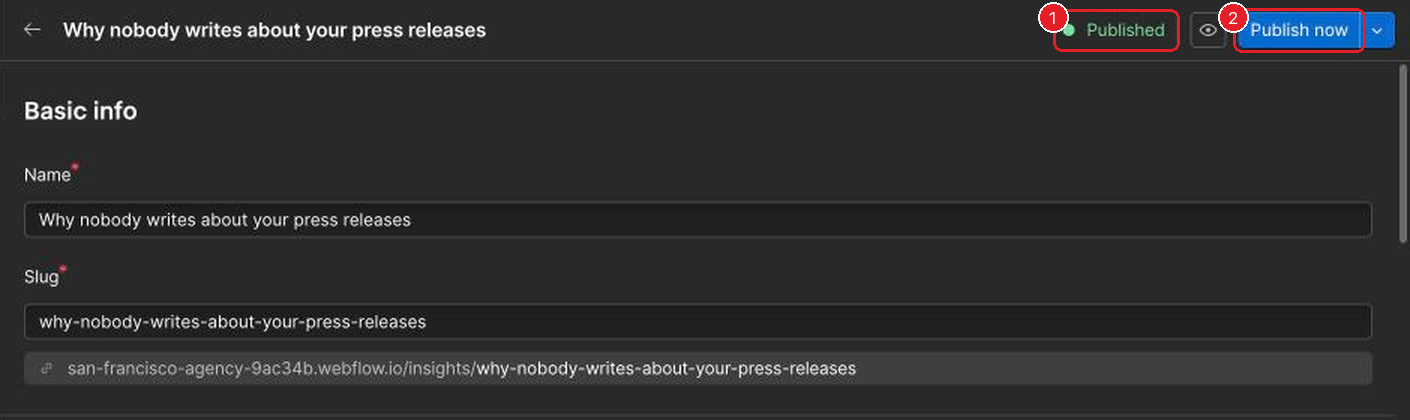
- Open the item and check its status: Published, Draft or Archived.
- Make your changes, then click Publish now to send them live.
Your changes save as you type There's no Save button and no Cancel. On a live item, your edits wait as "changes in draft" until someone publishes them. Leaving the item doesn't throw them away. If you change your mind, change the text back.
Questions about the website go to Katja.