Collections
Client success stories
The biggest form on the site. Its fields are grouped; go through them top to bottom.
Story
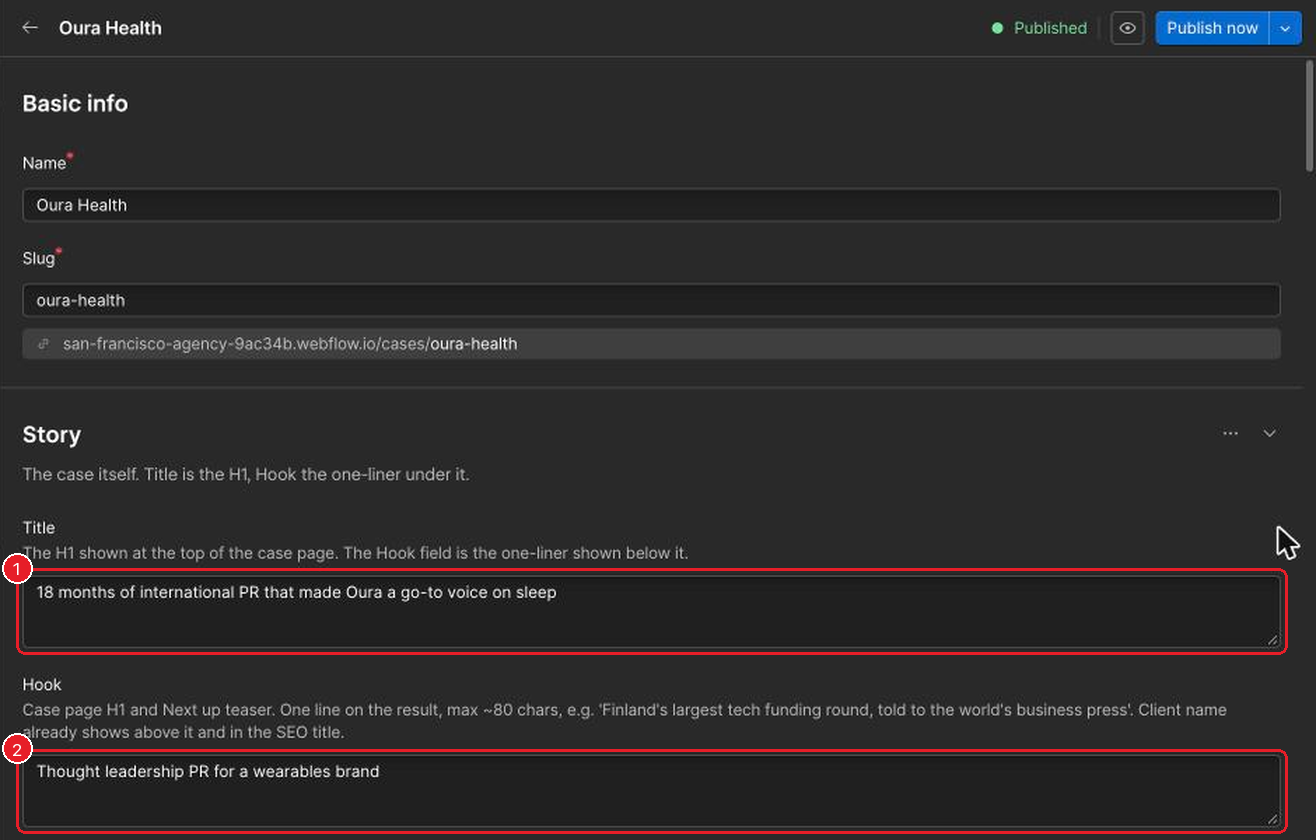
- Title: the big heading on the case page.
- Hook: one line on the result, about 80 characters.

- Client logo: SVG, or a transparent PNG.
- Hero image: the large picture at the top of the case page. Optional, but needed for the home page slider and the photo tiles.
- Card excerpt: who the client is and what happened, with one result. About 150 characters. No "Learn how…".
Then The challenge, What we did and Achievements, each its own section on the page.
Results

- Media hits: leave empty for strategy-only work and the results section hides.
- Stat 1 value: the big number, e.g. 91 or 18 months. The band of numbers only shows when this is set.
- Stat 1 label: the words under it, e.g. Media hits.
Coverage links 1–3 take a label and a web address each.
Quote and tags
Quote without quotation marks, then the person's name and role. Under Tags:
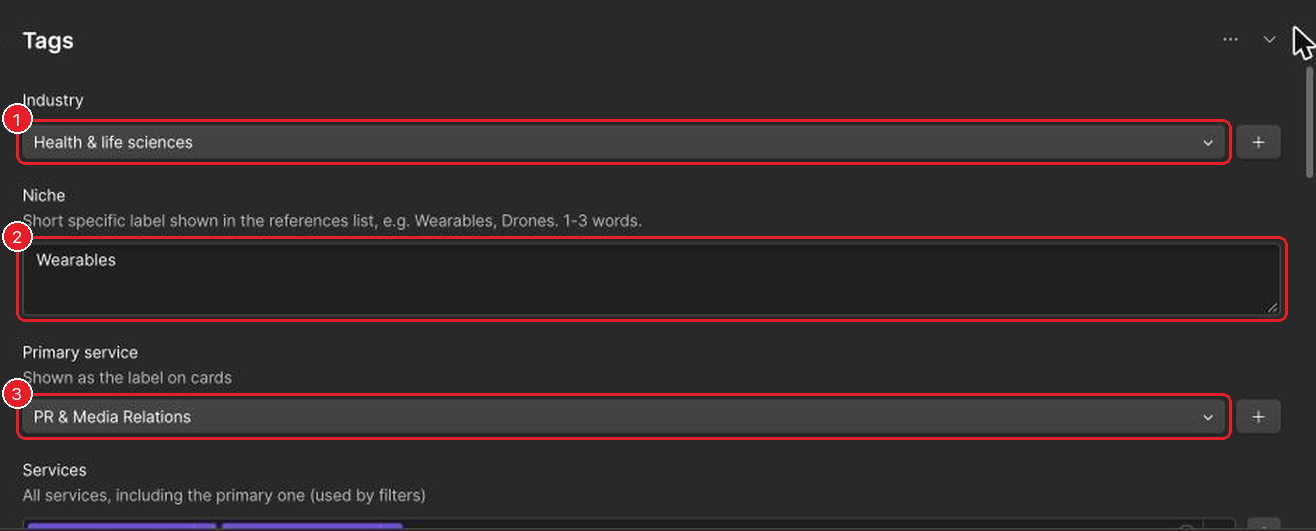
- Industry: pick from the list.
- Niche: 1–3 words, e.g. Wearables.
- Primary service: the label on cards. Also add it under Services, which drives the filters.
Current account lead: only someone who still works at SF.
Where the case shows up
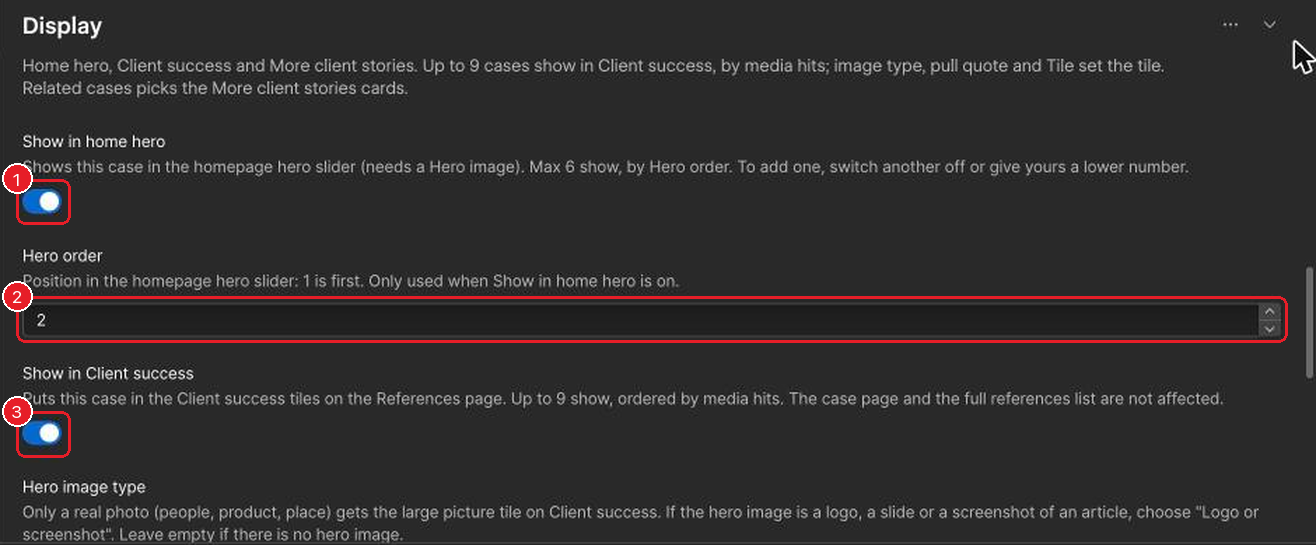
- Show in home hero: puts the case in the slider at the top of the home page. At most 6 cases; to add one when 6 are on, switch another off first. Needs a Hero image.
- Hero order: its position in that slider. 1 is first.
- Show in Client success: puts it in the tiles on the Client Success page. At most 9, ordered by media hits.
The list view shows these at a glance:
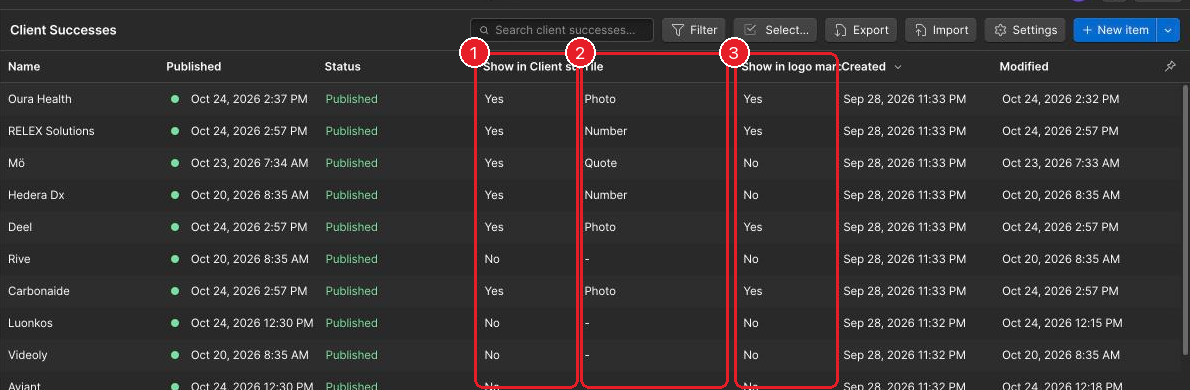
- Hero image type: "Photo" only for a real photo of people, a product or a place. Logos, slides and article screenshots are "Logo or screenshot".
- Pull quote: one sentence from the quote, 110 characters at most.
- Show in logo marquee: the scrolling row of client logos on the home page. Well-known brands only.
Questions about the website go to Katja.